Planning a Team Headshot Session for Your Firm
Planning a Team Headshot Session for Your Firm
A practical guide for organizing staff, scheduling, space, image selection, and future updates.
A team headshot session involves more than setting a date and asking people to arrive. For marketing teams, the work often includes staff communication, leadership schedules, room coordination, wardrobe questions, image selection, and future update planning.
A clear plan reduces the number of decisions that need to be made during the session itself. The goal is not simply to move people through a photo schedule. The goal is to create a consistent image set that is easier for the firm to use across websites, proposals, recruiting materials, leadership profiles, internal directories, and future communications.
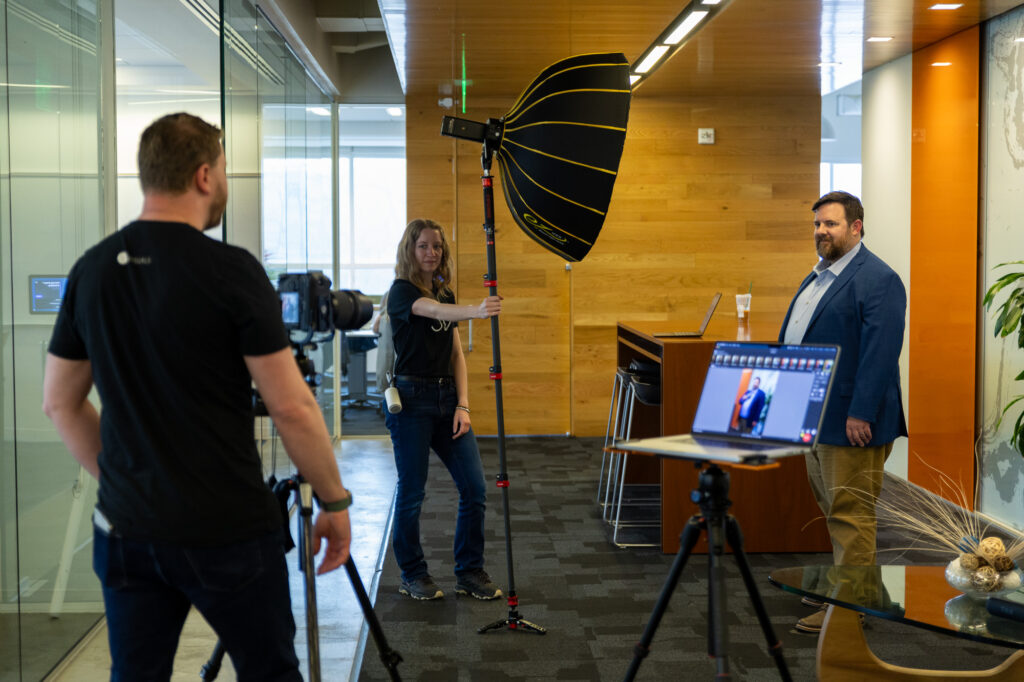
Download the Printable Planning Checklist
Planning a team session? The printable Team Headshot Session Planning Checklist can help organize staff scheduling, room requirements, internal communication, on-site image selection, and future update planning before production day.
Define the Standard Before Scheduling
Before scheduling the session, clarify the standard that will guide the full image set. This includes the background approach, crop, level of formality, wardrobe expectations, portrait tone, retouching standard, and future update plan.
These decisions help staff prepare, help leadership understand the plan, and prevent the standard from being improvised during production. A defined standard also makes the final image set easier to maintain as the firm grows or updates staff images over time.
Identify the Internal Stakeholders
Marketing may be coordinating the session, but other internal groups may need to be considered before production. Leadership may care about how the final image set represents the firm publicly. HR or recruiting may need images for hiring materials, onboarding, or internal directories. Proposal teams may need consistent crops for resumes and project team sheets.
Not every stakeholder needs to be involved in every decision. The key is to identify who needs to approve the standard before production day. This helps avoid conflicting feedback after the session and gives the marketing team a clearer path forward.
Choose the Right Session Format
Not every team headshot session needs to be structured the same way. The right format depends on the number of people, the desired level of consistency, the background approach, and how the images will be used.
A fixed setup is usually the most efficient approach. The lighting, camera position, and background remain consistent while staff move through the session in a steady sequence. This works well for team pages, directories, proposal resumes, and large staff updates.
An environmental setup may be a better fit when the firm wants people photographed in a real office, studio, or workplace setting. This can add context and make the image feel more connected to the firm, but it requires more planning around space, lighting, background control, and schedule.
Some firms also benefit from a leadership variation. Principals, executives, or market leaders may need portraits that support speaking engagements, press requests, board materials, or public-facing leadership profiles. These images can feel slightly more elevated while still relating to the broader team standard.
Defining the session format early helps marketing teams understand how much time is needed and how many people can realistically be photographed in a day.
Build a Realistic Schedule
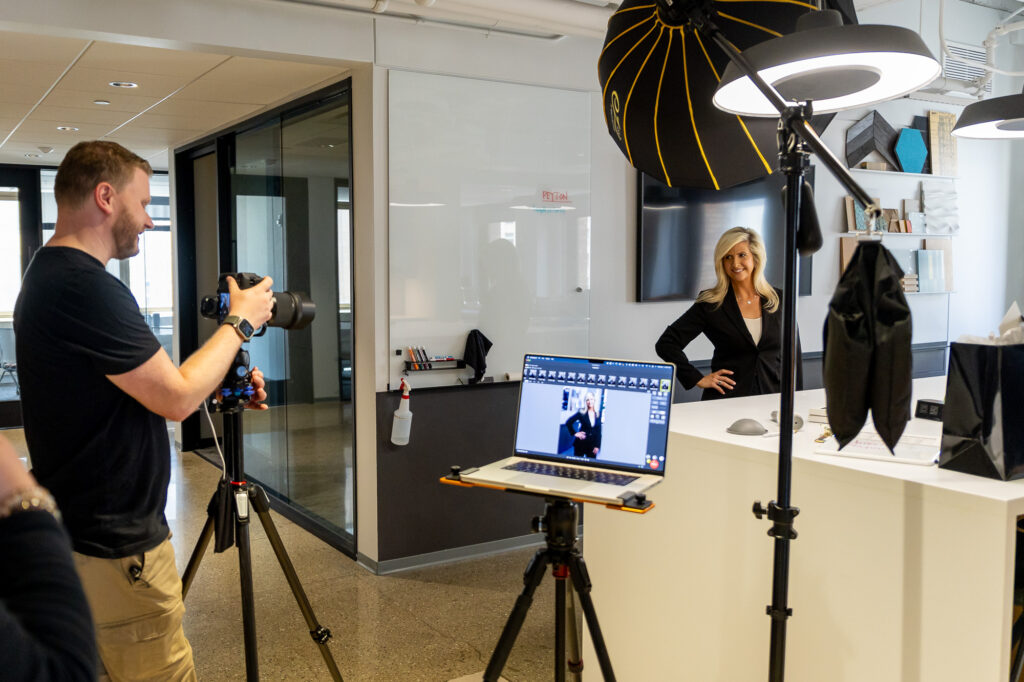
Scheduling has a direct impact on the quality and consistency of a team headshot session. As a general planning reference, a fixed setup may allow approximately seven minutes per person when the lighting, camera position, and background remain consistent.
More time is needed when the session involves environmental backgrounds, multiple locations, lighting moves, or leadership portraits with unique settings. In those cases, planning closer to 10 to 15 minutes per person may be more realistic.
A modest buffer is also useful. Late arrivals, leadership schedule changes, wardrobe adjustments, reflective glasses, or people who need a few extra minutes can all affect the flow. A structured schedule should create order without becoming too rigid.
Prepare the Room
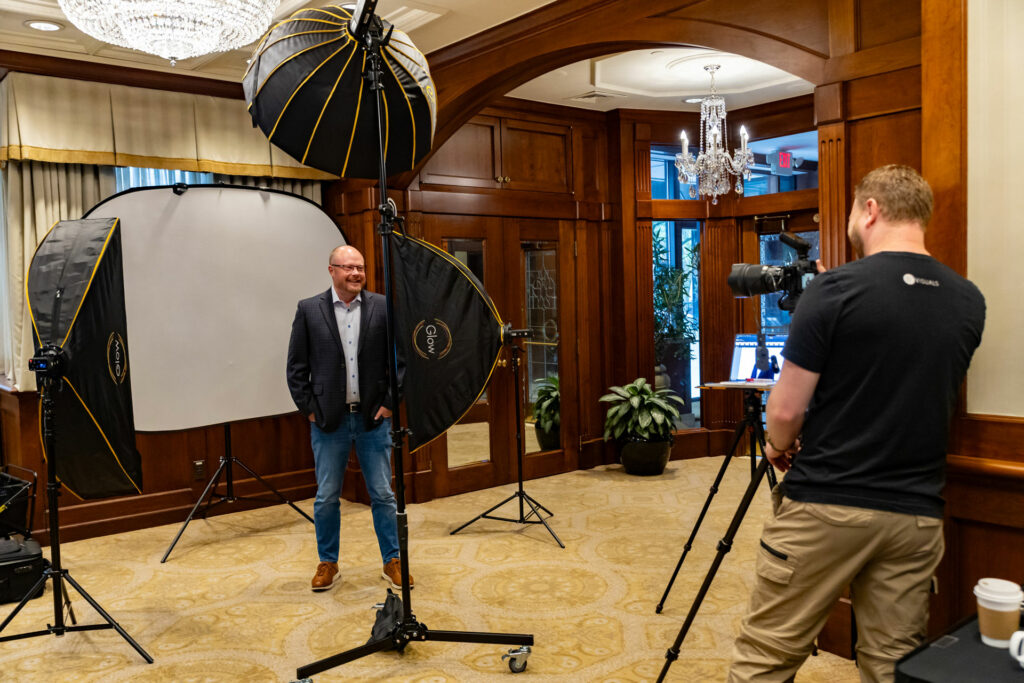
If the session is taking place at your office, the selected space matters. The ideal room is quiet, accessible, and controlled. It should allow enough space for lighting, camera position, staff movement, and image review.
Ceiling height is especially important. Additional height allows lights to be placed more effectively, especially when staff will be standing. A room with 10-foot ceilings is preferred when possible, and more height can be helpful.
Conference rooms can work well, but not every conference room is ideal. Low ceilings, large tables, glass walls, screens, whiteboards, reflective surfaces, and visible office clutter can all limit the setup.
If the session uses an environmental background, the space should be selected with additional care. The background should support the person being photographed without competing for attention.
Communicate With Staff Before the Session
Staff preparation is easier when expectations are communicated clearly before production day. Send preparation guidance several days in advance so staff know when to arrive, where to go, what to wear, whether a backup clothing option is useful, and whether the firm has a preferred level of formality.
Staff should also know what to expect during the session. Direction will be provided, and for most team headshot sessions, each person will review images and select their preferred headshot on site.
Most staff questions relate to wardrobe, glasses, grooming, timing, image selection, and what happens if someone is unavailable. Sending preparation guidance in advance reduces individual questions and gives everyone the same baseline expectations.
Share the professional headshot preparation guide with staff before the session.
Plan for On-Site Image Selection
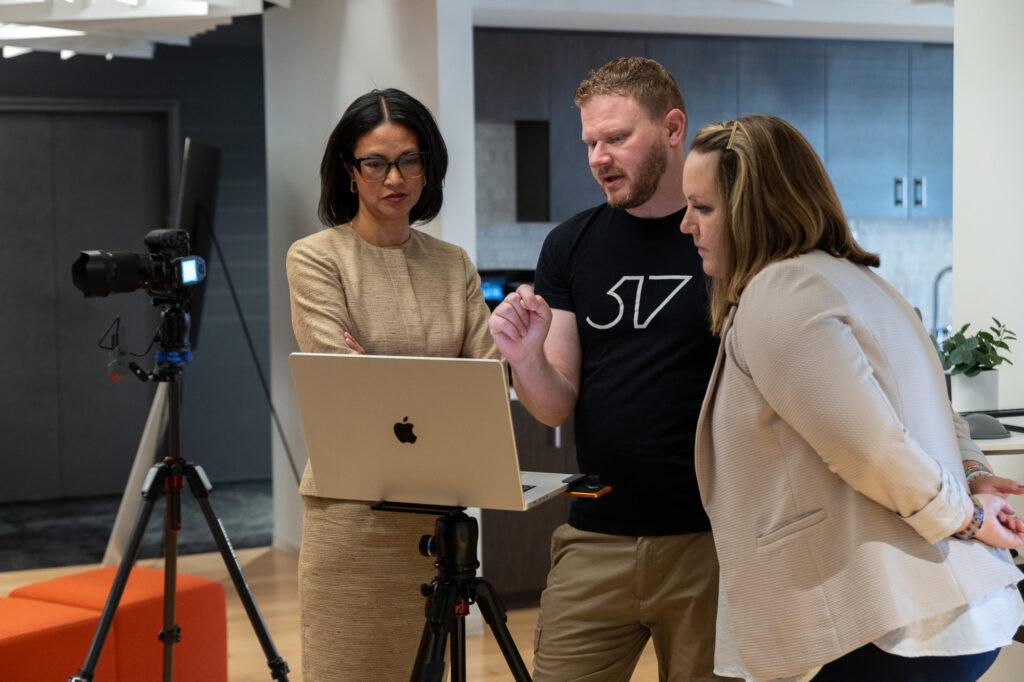
On-site image selection is one of the most useful ways to reduce follow-up work after a team headshot session. For most team sessions, each person reviews images during the session and selects their preferred headshot before leaving.
This gives staff a measure of control over the image that will represent them and reduces delayed feedback after production. It also helps the marketing team. Instead of managing extended review rounds later, the selected images can move into editing and delivery more efficiently.
If a small adjustment is needed, it can usually be addressed immediately. Posture, expression, glasses, hair, clothing, or small details are easier to correct while the person is still present.
Assign One Internal Point of Contact
For larger sessions, one internal point of contact helps the day run more smoothly. This person can help confirm who has arrived, locate late staff members, answer internal scheduling questions, keep leadership aware of timing, and manage the waiting area so the session does not become crowded or distracting.
The internal point of contact does not need to direct the photography, evaluate expressions, or decide which image each person should choose. Their role is to support internal coordination so the production process can stay focused.
Plan for Leadership, Remote Staff, and Future Updates
Leadership schedules often require additional planning. Principals, executives, market leaders, and other priority staff may have limited availability or specific usage needs. If leadership portraits require a different background or location, that should be reflected in the schedule.
Not everyone may be available on the primary session date. Remote staff, new hires, traveling team members, and missed appointments can all affect headshot consistency over time.
It is useful to decide how the firm will handle people who are not photographed during the main session. Some organizations schedule updates during annual meetings, conferences, in-office days, or recurring staff events. Others plan periodic headshot update days throughout the year.
Planning for these situations early helps prevent the headshot system from becoming inconsistent over time.

Confirm Any Specific Use Requirements
If your firm has specific website, proposal, directory, or internal system requirements, those should be identified before production so the final images can be prepared for the right uses.
Use the Printable Checklist Before Production Day
The printable checklist includes space to confirm the staff list, session format, schedule, room requirements, staff communication, on-site image selection, future update plan, and delivery needs.
Final Notes
A team headshot session is most effective when the firm defines the standard, communicates clearly with staff, and prepares the schedule, space, and selection process before production begins.
For marketing teams, this planning reduces the number of decisions that need to be made during the session and helps the final images move into use more efficiently.
The goal is to create a consistent image set that remains useful across websites, proposals, recruiting materials, leadership profiles, internal directories, and future firm communications.
Would you like keep up with our latest work?
Follow our happenings by subscribing to our social media accounts
connect with us
